Template First Lessons Learned Register That PMs Actually Use
A practical, template-first lessons learned register for pragmatic PMs: ready fields, a facilitation agenda, kickoff reuse checks, and decision-journal...

On this page
- Lessons Learned Register vs. Repository vs. Retrospective
- Why Most Registers Fail to Deliver Value
- When Should You Capture Lessons Learned?
- What Fields Belong in a Lessons Learned Template?
- How to Run a Lessons Learned Meeting That Produces Real Entries
- How to Store and Reuse Lessons So They Don’t Get Buried
- A Vendor Delay That Became a Contract Fix
- Quick Audit: Is Your Register Actually Working?
- What Decision Journals Teach You About Lessons Learned
- Betlog Complements Your Lessons Learned Process
- Sources
- FAQ
A lessons learned register is a living project record of specific, actionable lessons: what happened, why it happened, and what to do differently. Capture entries continuously as issues surface, not just at closeout, and every entry needs a root cause, a concrete recommendation, and a named owner. The single biggest lever for making it useful: surface the top relevant entries at the next project’s kickoff, so the record actually changes behavior instead of collecting dust.
TL;DR:
- A lessons learned register should be updated continuously during project execution and include specific root causes and measurable recommendations to ensure it drives behavior change.
- Effective entries must be specific, assign a clear owner, and be tagged for easy retrieval, so they can be quickly integrated into future project planning.
- Avoid vague, superficial, or solely failure-based entries by analyzing root causes and documenting positive outcomes to maximize long-term value.
- Store lessons in a searchable, tagged platform and review relevant past entries at project kickoff to embed lessons into new work.
- Pair the register with decision logs that record hypotheses and confidence levels before outcomes, improving the quality of insights and organizational learning.
Lessons Learned Register vs. Repository vs. Retrospective
A lessons learned register lives inside one project. It gets populated continuously, as things happen, while the work is still fresh in everyone’s head. A lessons learned repository is different. It’s the organizational archive where entries land after a project closes, curated so future teams across the company can search it.
Sprint retrospectives feed both. In agile work, each retro surfaces raw observations that get distilled into register entries. PMBOK 8 treats the register as an organizational process asset maintained throughout the project, specifically during the Manage Project Knowledge process, rather than something you fill out once at the end.
- Register: project-specific, updated in real time
- Repository: organization-wide, curated at closure
- Retrospective: the raw input session that generates entries for both
The distinction matters for ownership. A register without a clear path into the repository dies with the project team.
Why Most Registers Fail to Deliver Value
The five-step lessons learned process that PMI outlines is straightforward on paper: identify insights, analyze root causes, document them in a structured format, assign owners to recommendations, then implement and track results in future projects. Most teams execute maybe two of those five steps.
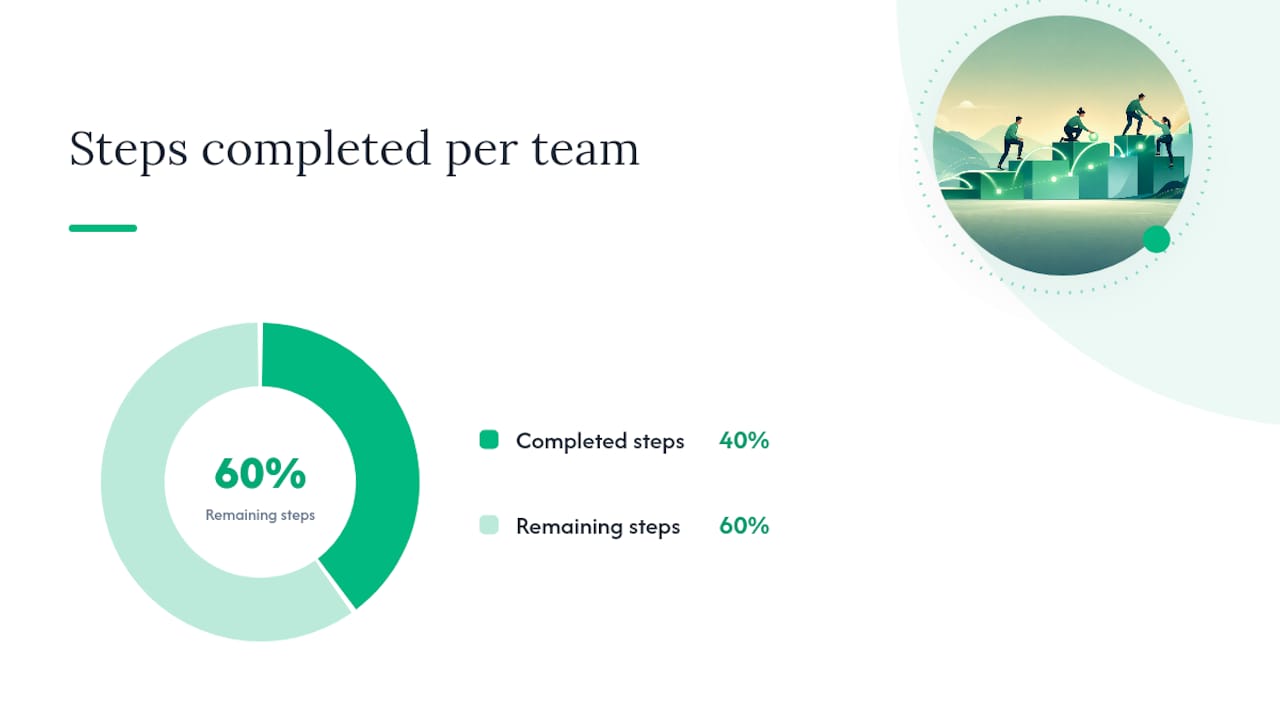
The data point that should worry you: teams that document only failures build a register that reads like a blame ledger, and people stop contributing to it. Documenting positive outcomes matters just as much, since replicating what worked is often cheaper than fixing what didn’t.
Two failure modes show up constantly:
- File-and-forget: entries get written, saved, never opened again
- Vague entries: “communication could be better” instead of a specific, fixable cause
Done well, the register improves planning accuracy, sharpens risk identification on the next bid, and cuts onboarding time for anyone new to the project type.
When Should You Capture Lessons Learned?
Waiting until project closeout is the single most common mistake teams make, and it’s why so many registers read thin and generic. By the time closeout arrives, half the detail is gone.
- Continuous logging during execution. Any team member flags an issue or a win the moment it happens, even as a one-line note.
- Short milestone sessions, 30 to 45 minutes, at the end of each phase or sprint. This is where raw notes turn into structured entries.
- A closure session, 60 to 90 minutes, facilitated and focused on synthesis rather than new discovery.
That cadence isn’t arbitrary. Industry guidance on lessons learned templates recommends exactly this rhythm because shorter, more frequent sessions preserve detail that a single end-of-project meeting always loses.
Pro Tip: If you’re running agile sprints, don’t create a separate lesson learned meeting on top of retros. Feed retro output directly into the register within 24 hours, while the context is still sharp.
What Fields Belong in a Lessons Learned Template?
A usable entry answers five questions: what happened, why, so what, what now, and who’s doing it. Skip any one of those and the entry becomes trivia instead of a tool.
Core fields for every entry:
- Lesson ID — unique reference number
- Category — schedule, budget, vendor, communication, technical, scope
- What happened — factual, no blame language
- Impact — cost, time, or quality effect, quantified where possible
- Root cause — the underlying driver, not the symptom
- Recommendation — a specific, measurable action
- Owner — one named person
- Date logged
- Tags — for future search
- Links to evidence — email thread, change order, meeting notes
The phrasing matters as much as the fields. Effective entries record the root cause rather than the symptom, and pair it with a recommendation specific enough that someone unfamiliar with the project could act on it.
Here’s the weak-to-strong rewrite that separates a useless register from a working one:
| Field | Weak entry | Strong entry |
|---|---|---|
| What happened | “Vendor was late” | “Vendor delivered materials 9 days past the contracted date” |
| Root cause | “Poor communication” | “SOW lacked a penalty clause and a 48-hour delay notification requirement” |
| Recommendation | “Communicate better with vendors” | “Add a delay notification clause and 2% daily penalty to all vendor SOWs over $10,000” |
| Owner | “Procurement” | “J. Alvarez, Procurement Lead” |
How to Run a Lessons Learned Meeting That Produces Real Entries
A session without structure turns into a complaint session. A session with structure turns into a register full of usable entries.
- Set the agenda before the room fills up. Split time roughly: 10 minutes on wins, 20 minutes on issues, 15 minutes on root-cause discussion, 10 minutes assigning owners and next steps.
- Assign three roles: a facilitator who keeps time and steers discussion, a notetaker who drafts entries in real time, and someone tracking owner assignments so nothing gets logged without a name attached.
- Separate “what went well” from “what didn’t” as two distinct discussion blocks. Mixing them lets the negative dominate and buries the wins.
- Push past symptoms with a root-cause technique. Fishbone diagrams and the 5 Whys are the two most reliable tools for getting a team from “the vendor was late” to the actual systemic gap that caused it.
Pro Tip: Run a quick premortem before a new phase starts, asking “if this fails, why did it fail?” It surfaces risks the team already senses but hasn’t said out loud, and those become register entries before the failure even happens.
How to Store and Reuse Lessons So They Don’t Get Buried
A register buried in a shared drive folder nobody opens might as well not exist. Store entries in a searchable tool: a PM platform, a wiki, or a SharePoint list with real search and filter capability, not a static spreadsheet nobody remembers to check.
Tag every entry the moment it’s logged. Tagging by category, project type, technology, and phase is what lets a new project manager pull up relevant history in seconds instead of scrolling through a folder of old files.
- Tag by project type (software rollout, construction phase, marketing launch)
- Tag by category (vendor, budget, scope, communication)
- Tag by technology or system involved
- Tag by project phase (initiation, execution, closeout)
The operational rule that actually changes outcomes: require every kickoff meeting to review the top three to five relevant entries from the repository before planning starts, and assign someone to confirm those recommendations got built into the new plan.
| Step | Who owns it | What it produces |
|---|---|---|
| Tag and file at closure | Project owner | Searchable repository entry |
| Search before kickoff | New PM | Shortlist of 3–5 relevant lessons |
| Confirm implementation | Sponsor or PMO | Evidence the recommendation was applied |
A Vendor Delay That Became a Contract Fix
Here’s how one entry moves from raw incident to a rule that protects the next project. A vendor missed a delivery date by nine days on a construction project, pushing the whole schedule and adding unplanned labor cost.
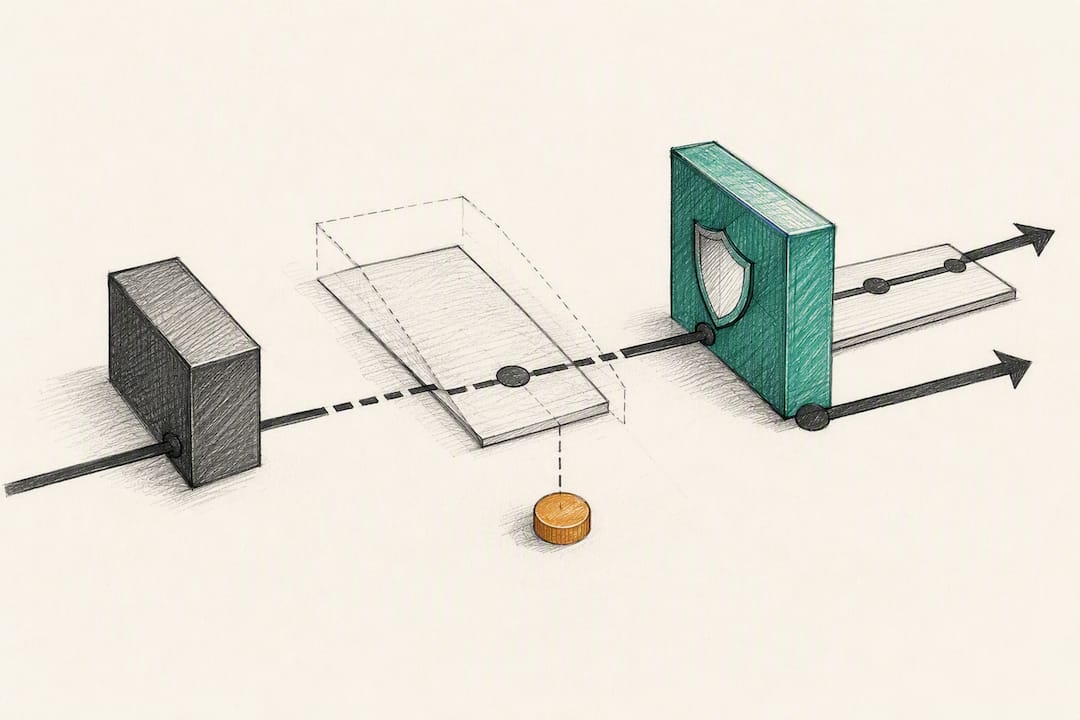
The weak version of this entry would say “vendor delay caused schedule slip, monitor vendors more closely.” Useless. Nobody can act on it.
The strong version:
- Root cause: the SOW had no delay notification clause and no financial penalty
- Recommendation: add a 48-hour notification requirement and a daily penalty clause to future vendor contracts over $10,000
- Owner: procurement lead, with a deadline to update the SOW template within 30 days
- Tags: vendor, contract, schedule, construction
Six months later, a new project manager opening a similar construction contract searches the tag “vendor” during kickoff and finds this exact entry. The clause gets added before the contract is signed, not after a second delay repeats the same cost.
Quick Audit: Is Your Register Actually Working?
Run this checklist against your current register before you add a single new entry.
- Specificity check: does each entry name a measurable action, not a vague intention?
- Owner check: is there exactly one named person per recommendation, not a department?
- Tag check: can someone find this entry by searching category, phase, or technology?
- Kickoff check: does your project initiation process actually require pulling relevant entries?
- Balance check: does the register include wins, not just failures?
Common traps and their fixes: vague entries get fixed by requiring a root cause and a measurable recommendation before an entry is marked complete. Buried storage gets fixed by moving to a searchable tool with real tagging. Documenting only failures gets fixed by adding a “what worked” prompt to every session agenda. Single-person ownership of the whole register gets fixed by rotating notetaker duty and requiring sponsor sign-off at closure.
What Decision Journals Teach You About Lessons Learned
Most registers judge decisions by outcome alone. A vendor choice that got lucky looks identical to a good decision on paper. Recording the hypothesis, expected outcome, and confidence level before the result lands is what separates skill from luck in the post-mortem, and it’s the missing layer in most templates.
— Cesar
Betlog Complements Your Lessons Learned Process
A register captures what happened after the fact. It rarely captures what you actually believed going in, which is exactly the gap that turns lessons learned into hindsight bias dressed up as wisdom.
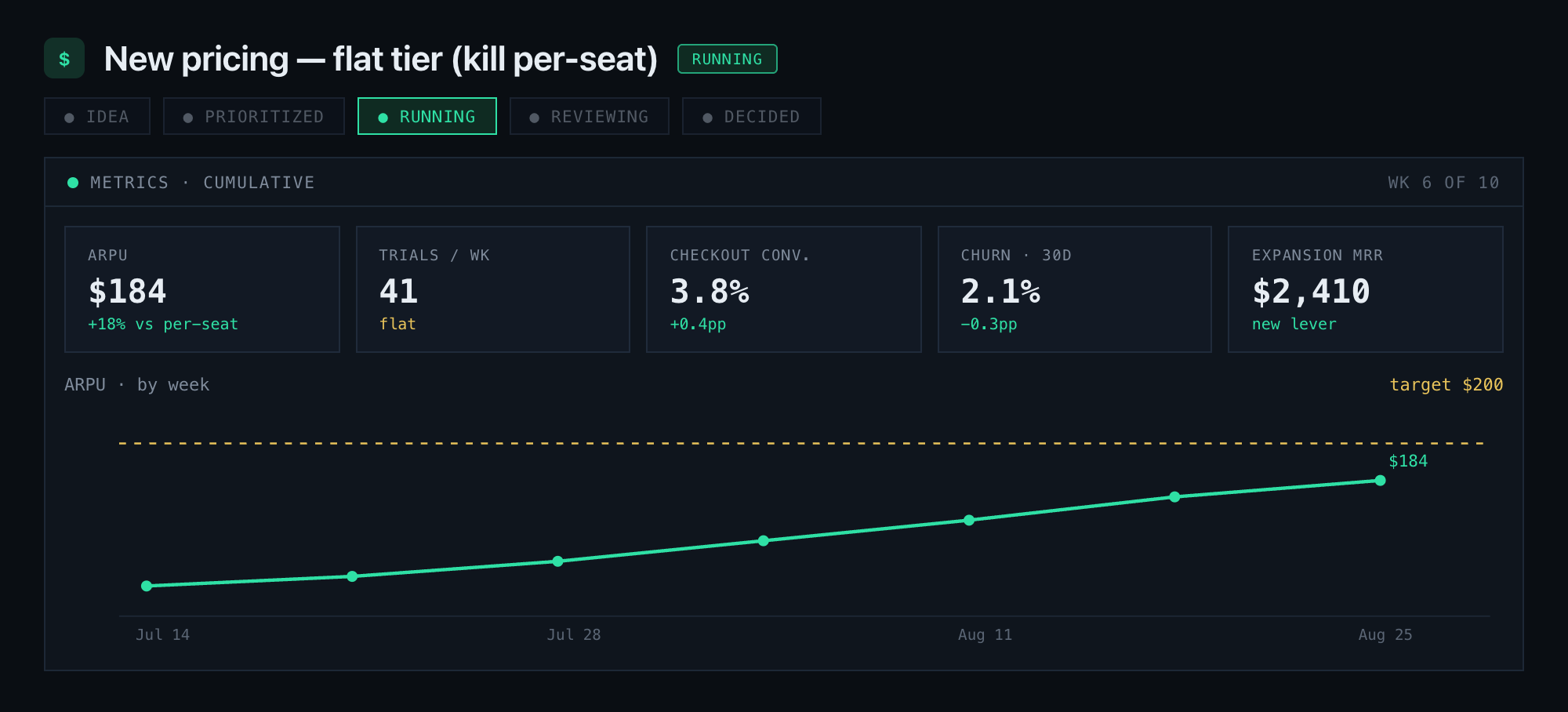
Betlog is built for the step before the register: writing down the hypothesis, the confidence level as an actual probability, the trade-offs you accepted, and the metrics that will decide the bet, all before the outcome is known. When the result comes in, the post-mortem separates whether the call was sound or just lucky, which is precisely the distinction a lessons learned entry needs to be diagnostic instead of a guess dressed up as certainty. Pair that discipline with a decision workflow tool like BidBlock if your team’s bets involve competitive bids, and you’ve closed the loop between decision quality and project outcome. Try Betlog on your next project decision and see what your closed bets say about your calibration.
Sources
- PMI — Lessons learned: Take it to the next level
- Project Management Formula — Project management lessons learned template
- Project Management Planet — Lessons learned register
- ASQ — Fishbone diagram (Ishikawa)
FAQ
What are the 3 P’s in project management?
The “3 P’s” commonly refer to People, Process, and Product (or Performance), the three dimensions teams manage together. It’s not a formal lessons learned framework, but capturing lessons across all three keeps a register from skewing too heavily toward just schedule or budget issues.
What are the 5 steps of lessons learned?
The five steps are identifying insights during or after project activities, analyzing root causes, documenting findings in a structured template, developing recommendations with assigned owners, and implementing changes while tracking results in future projects.
What are examples of lessons learned?
Common examples include a vendor delay that leads to a new contract clause, a scope change that reveals a missing stakeholder sign-off step, or a successful rollout tactic worth repeating on the next launch. Both positive and negative outcomes belong in the register.
How do you document lessons learned?
Log the factual event, the measurable impact, the root cause, a specific recommendation, and a named owner in a structured template, then tag the entry by category and project phase so it’s searchable later. A register entry without an owner rarely gets acted on.
What’s the difference between a lessons learned register and repository?
The register is the active, in-project log updated continuously during execution. The repository is the organization-wide archive where entries get curated and stored after the project closes, so knowledge survives the team’s disbandment.